
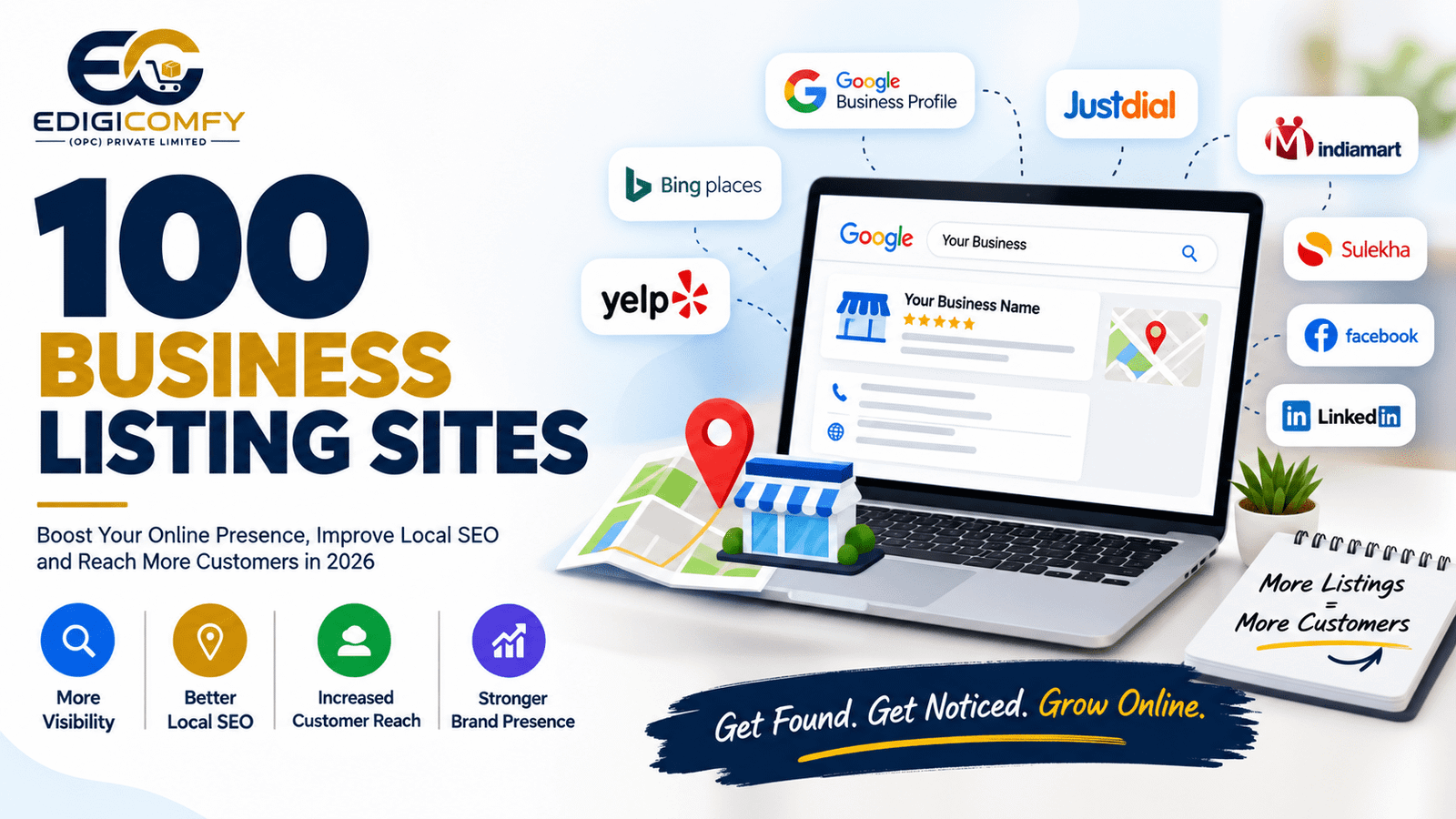
In today’s digital world, customers often search online before contacting a business. Whether they are looking for a restaurant, digital marketing agency, software company, local shop, doctor, or professional service, online visibility can influence their decision.
One effective way to improve your business presence online is by submitting your business information to business listing sites.
Business directories let companies share key details like their name, address, phone number, and website. They can also list services, hours, and social media profiles.
In this guide, we compiled 100 business listing sites that you can use to boost your online visibility.
These sites can help with local SEO, brand awareness, and customer discovery.
Important: Not every directory is suitable for every business. Always check the site’s current availability, country coverage, category relevance, and submission requirements before creating a listing.
What Are Business Listing Sites?
Business listing sites are online directories where businesses can create profiles containing their company information.
A typical business listing may include:
- Business name
- Business address
- Phone number
- Website URL
- Business category
- Products or services
- Opening hours
- Business description
- Photos
- Customer reviews
- Social media links
Examples include Google Business Profile, Bing Places, Yelp, Justdial, IndiaMART, Sulekha, and Foursquare.
These platforms can help customers discover businesses when they search for products or services online.
Why Are Business Listings Important for SEO?
Business listings can support your overall SEO strategy, particularly for local businesses.
1. Improve Online Visibility
Listing your business on relevant directories gives your brand more opportunities to appear online.
2. Support Local SEO
Local directories can help search engines understand your business information, location, and category.
3. Help Customers Find Your Business
Many customers use directories to discover nearby businesses and compare available options.
4. Build Brand Presence
Having consistent business profiles across relevant platforms can make your brand easier to find.
5. Generate Referral Traffic
Some directories can send visitors directly to your website.
6. Build Business Citations
Business directories can contribute to your local citation profile when your business information is accurate and consistent.
100 Business Listing Sites
Below is a combination of global, Indian, local, professional, and industry-specific platforms.
Top Global Business Listing Sites
- Google Business Profile – google.com/business
- Bing Places – bingplaces.com
- Apple Business Connect – businessconnect.apple.com
- Yelp – yelp.com
- Foursquare – foursquare.com
- Yellow Pages – yellowpages.com
- Superpages – superpages.com
- Manta – manta.com
- Hotfrog – hotfrog.com
- Brownbook – brownbook.net
- MerchantCircle – merchantcircle.com
- Local.com – local.com
- EZlocal – ezlocal.com
- CitySquares – citysquares.com
- ShowMeLocal – showmelocal.com
- Cylex – cylex.com
- Fyple – fyple.com
- Tupalo – tupalo.com
- Infobel – infobel.com
- MapQuest – mapquest.com
- YellowBot – yellowbot.com
- YellowBook – yellowbook.com
- ChamberofCommerce – chamberofcommerce.com
- LocalDatabase – localdatabase.com
- 2findlocal – 2findlocal.com
- Cityfos – cityfos.com
- n49 – n49.com
- Lacartes – lacartes.com
- CallUpContact – callupcontact.com
- SalesSpider – salespider.com
Business Listing Sites in India
- Justdial – justdial.com
- IndiaMART – indiamart.com
- TradeIndia – tradeindia.com
- Sulekha – sulekha.com
- ExportersIndia – exportersindia.com
- IndianYellowPages – indianyellowpages.com
- ClickIndia – clickindia.com
- Grotal – grotal.com
- AskLaila – asklaila.com
- WebIndia123 – webindia123.com
- Fundoodata – fundoodata.com
- TheCompanyCheck – thecompanycheck.com
- Tofler – tofler.in
- Zauba Corp – zaubacorp.com
- Kompass India – in.kompass.com
- TradeFord – tradeford.com
- Dial4Trade – dial4trade.com
- Aajjo – aajjo.com
- Moglix – moglix.com
- IndustryBuying – industrybuying.com
Professional and B2B Business Directories
- LinkedIn – linkedin.com
- Crunchbase – crunchbase.com
- Clutch – clutch.co
- GoodFirms – goodfirms.co
- DesignRush – designrush.com
- Sortlist – sortlist.com
- UpCity – upcity.com
- Agency Spotter – agencyspotter.com
- Bark – bark.com
- Expertise – expertise.com
- ProvenExpert – provenexpert.com
- Trustpilot – trustpilot.com
- Glassdoor – glassdoor.com
- BuiltWith – builtwith.com
- Owler – owler.com
- Bizapedia – bizapedia.com
- Dun & Bradstreet – dnb.com
- Apollo – apollo.io
- ZoomInfo – zoominfo.com
- BBB – bbb.org
Social and Local Discovery Platforms
- Facebook Business Page – facebook.com
- Instagram Business – instagram.com
- Pinterest Business – pinterest.com
- YouTube – youtube.com
- X – x.com
- TikTok for Business – tiktok.com
- Tripadvisor – tripadvisor.com
- OpenTable – opentable.com
- Zomato – zomato.com
- Swiggy – swiggy.com
More Business and Directory Platforms
- Kompass – kompass.com
- Europages – europages.com
- Brownbook – brownbook.net
- Hotfrog – hotfrog.com
- Manta – manta.com
- Cybo – cybo.com
- FindUsLocal – finduslocal.com
- Alignable – alignable.com
- MerchantCircle – merchantcircle.com
- Bizcommunity – bizcommunity.com
- BizPages – bizpages.org
- FindOpen – findopen.com
- WhereOrg – whereorg.com
- Spoke – spoke.com
- Kudzu – kudzu.com
- City-Data – city-data.com
- LocalStack – localstack.com
- Yellow.Place – yellow.place
- Wheree – wheree.com
- Fyple – fyple.com
How to Submit Your Business to Listing Sites
Creating hundreds of listings does not automatically guarantee better rankings. The quality and accuracy of your business information are more important.
Follow these steps when creating business listings.
Step 1: Prepare Your Business Information
Keep the following information ready:
- Exact business name
- Complete address
- Phone number
- Website
- Business email
- Business category
- Services
- Business description
- Opening hours
- Logo
- Business photos
Step 2: Choose Relevant Directories
Don’t submit your business randomly to every website.
Choose platforms that are:
- Relevant to your industry
- Relevant to your location
- Trusted by customers
- Active and maintained
- Suitable for your target audience
Step 3: Keep NAP Information Consistent
NAP stands for:
Name + Address + Phone Number
Try to maintain consistent business information across important directories.
For example, if your official business name is EDIGICOMFY, avoid using multiple unrelated variations across different profiles.
Step 4: Add Your Website
Whenever a directory allows a website link, add your official website.
This gives interested users an easy way to learn more about your business.
Step 5: Add Business Photos
Use a professional logo, office photos, product images, team photos, or service-related images where appropriate.
Step 6: Complete Your Profile
Don’t leave important sections blank.
A complete business profile generally provides customers with more useful information.
Free vs Paid Business Listing Sites
Not all directories work in the same way.
Some platforms provide free business listings, while others offer paid plans for additional features.
Free Listings
Free listings may provide:
- Business profile
- Website link
- Contact information
- Business category
- Photos
- Basic visibility
Paid Listings
Paid plans may include additional features such as:
- Featured placement
- Advertising
- Lead generation
- Enhanced profiles
- Analytics
- Promotional tools
Before paying for a directory, check whether it actually reaches your target customers.
Common Business Listing Mistakes to Avoid
1. Using Different Business Information
Inconsistent information can make it harder for customers to identify the correct business.
2. Keyword Stuffing the Business Name
Don’t add unnecessary keywords to your official business name simply to manipulate rankings.
3. Creating Duplicate Profiles
Multiple profiles for the same business can create confusion.
4. Choosing the Wrong Category
Always select the category that most accurately represents your business.
5. Ignoring Reviews
If a directory allows reviews, monitor them and respond professionally.
6. Using Low-Quality Directories
More listings do not necessarily mean better SEO. Focus on relevant and trustworthy platforms.
How Many Business Listings Should You Create?
There is no fixed number that every business needs.
Instead of submitting your business to many random websites, focus first on the most important platforms. These platforms should match your location and industry.
For a local Indian business, you might prioritize:
- Google Business Profile
- Bing Places
- Apple Business Connect
- Justdial
- IndiaMART
- Sulekha
- Industry-specific directories
- Local directories
- Relevant professional platforms
After that, you can expand your citation profile gradually.
Do Business Listings Improve Google Rankings?
Business listings can support local SEO, but they are not a guaranteed ranking factor by themselves.
Google considers many signals when determining local search visibility, including relevance, distance, prominence, business information, reviews, website signals, and other factors.
Therefore, business directory submissions should be one part of a broader SEO strategy, not a complete solution.
Final Thoughts
100 Business Listing Sites can help businesses improve their online presence. They also make businesses easier to find online.
However, successful local SEO is not about submitting your business to as many directories as possible. It is about creating accurate, relevant, complete, and trustworthy business profiles.
Start with major platforms like Google Business Profile and other relevant directories. Keep your business information consistent. Build genuine customer reviews. Pair your listings with a strong website and an overall SEO strategy.
For businesses that want to be easier to find online, a strong local SEO and digital marketing plan can help. It can turn online searches into new customers.
FAQs
What are business listing sites?
Business listing sites are online directories where businesses can post details.
These details include a name, address, phone number, website, services, and hours.
Which is the most important business listing site?
For most local businesses, Google Business Profile is very important. It helps them appear in Google Search and Google Maps.
Are business listing sites free?
Many business directories offer free listings, while some provide paid features or premium plans.
How do business listings help local SEO?
Business listings can help search engines and customers discover information about your business, location, category, and services. Consistent citations can support a broader local SEO strategy.
How many business listing sites should I use?
There is no fixed number. Focus on relevant, trusted, and industry-specific directories instead of submitting to every available website.
Is business directory submission still useful in 2026?
Yes, business directories can still be useful for local visibility, brand discovery, citations, referral traffic, and reputation management. However, quality and relevance are more important than the number of submissions.
Should I submit my business to all 100 sites?
No. Select platforms that are relevant to your country, city, industry, and target customers. A smaller number of high-quality listings is generally more useful than hundreds of irrelevant ones.